Free Assets and Tutorials For Game Artists
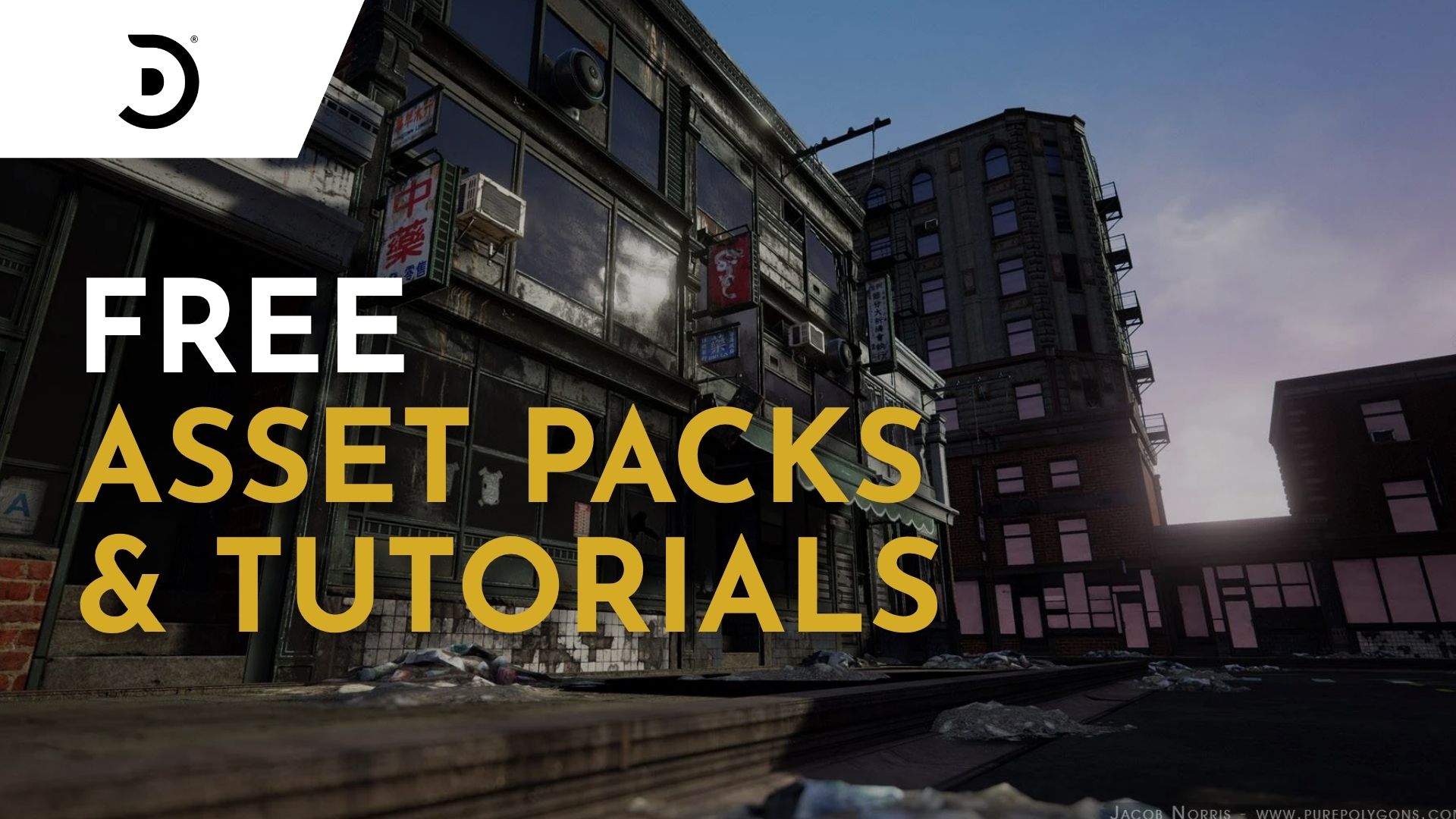
If you want to improve your game art skills and have a limited budget, this curated collection of free tutorials and assets is for you. Created by our studio and the talented instructors at Sierra Division Academy, it’s packed with resources to help you level up your work. Learn industry workflows, best practices and techniques from pros in the industry, while grabbing high-quality assets you can use for practice or to drop straight into your own game projects.
Let's dive in!
LEARNING THE ENVIRONMENT ART PIPELINE
Tutorial
Learn the Environment Art Pipeline With Alex Beddows
Junior artists often skip key steps when building environments, which can leave scenes feeling unbalanced or lacking detail. That’s why having a clear, structured workflow is so important.
In this tutorial, Expert 3D Environment Artist Alex Beddows walks you through his full environment art pipeline, showing exactly how he tackles projects from start to finish. Used successfully for years, this workflow gives you a clear, structured path to building environments that are balanced, detailed, and production-ready.
CREATING REAL-TIME PROPS IN CAD
Tutorial
INTRODUCTION: Creating Realtime Props in CAD - Vintage Camera
Learn the the CAD to polygon workflow in Fusion 360 with Sierra Division's Niels Couvreur. Why is the CAD pipeline important to learn? It's fast, no need to worry about polygons, tons of flexibility with the tools, and the learning curve is quite reasonable. In over 13 pre-recorded lessons, Niels will walk you through how to model, optimize, texture, and present a game-ready 3D asset.
After going through this series, you can elevate your skills even further by enrolling in one of our 6-8 week courses at Sierra Division Academy (paid).
GENERATE CUSTOM FILTERS IN SUBSTANCE DESIGNER
Tutorial
Generate Custom Filters in Substance Designer | Create Unique Textures for AAA Game Assets
Substance Painter filters affect everything beneath them in the layer stack, which can make control challenging. Creating custom filters in Substance Designer offers a more targeted approach. In this step by step tutorial, our Senior 3D Artist, Robin Mariančík, walks through the process of creating custom filters in Substance Designer. The tutorial is suitable for artists new to procedural workflows as well as those looking to expand their toolkit.
INTRO TO BLUEPRINTS IN UE5
Live Workshop Recording
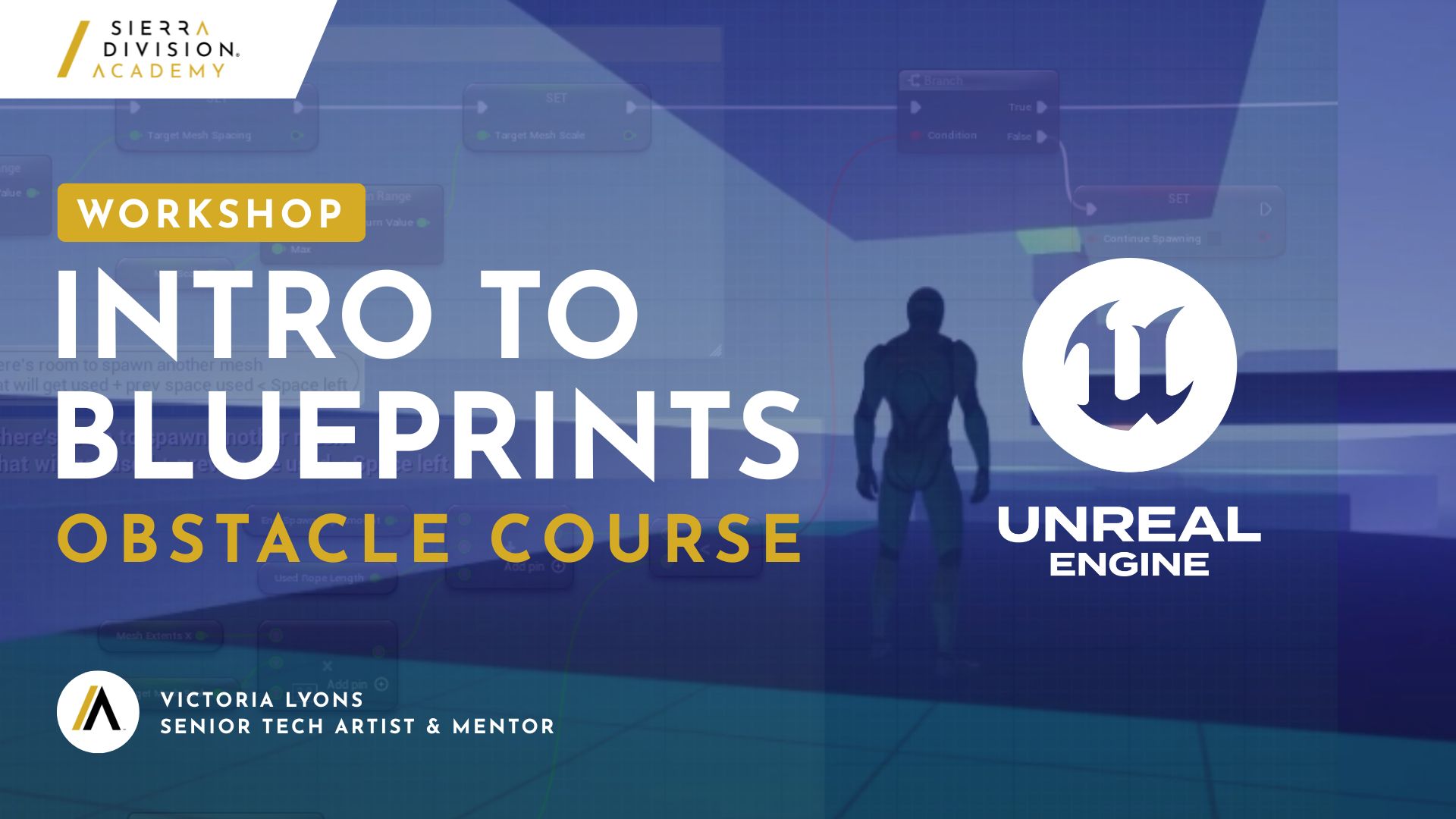
In this beginner-friendly workshop, Senior Tech artist Victoria Lyons demonstrates how to create an obstacle course in UE5 while going over core blueprint concepts.
This workshop serves as a great introduction for 3D artists looking to make their own indie game or to acquire an understanding of blueprints through a hands-on project.
Go to Workshop
If you're looking for guidance as you navigate the Games industry in 2026, Victoria is offering career coaching as of January. Check it out (paid).
COLOR GRADING AND POST-PROCESSING
Tutorial
Are You Skipping an Important Step for 3D Renders? Post Processing & Color Grading
In this tutorial, we explore how post-processing and color grading can really elevate your 3D renders. Even after putting a lot of work into a scene or prop, the right color tweaks can make it feel polished and complete. The video shows how small adjustments can totally change the mood, from making an environment warm and sunny or giving a sci-fi scene a cool, atmospheric vibe.
You’ll get tips on using Photoshop’s Camera Raw Filter, starting with presets and then fine-tuning settings like exposure, highlights, shadows, and clarity. It also covers the Color Mixer for making colors pop and adding subtle lighting effects like sun rays or haze to boost the scene’s atmosphere.
FREE SIERRA DIVISION ASSET PACK WITH DASH
DASH 1.9.3 - UE5 Asset Marketplace, Scatter Improvements & More!
The team at Polygonflow - Dash is introducing a new way of buying assets in Unreal Engine with Dash 1.9.3 and the brand new Dash Asset Marketplace. As long time Dash users and partners, we are proud to celebrate their launch by offering our Modular Interiors and Explorer Props asset pack for free. Head over to Dash's website to get the free pack and make your own awesome environment.
FREE TUTORIALS & ASSETS ON GUMROAD
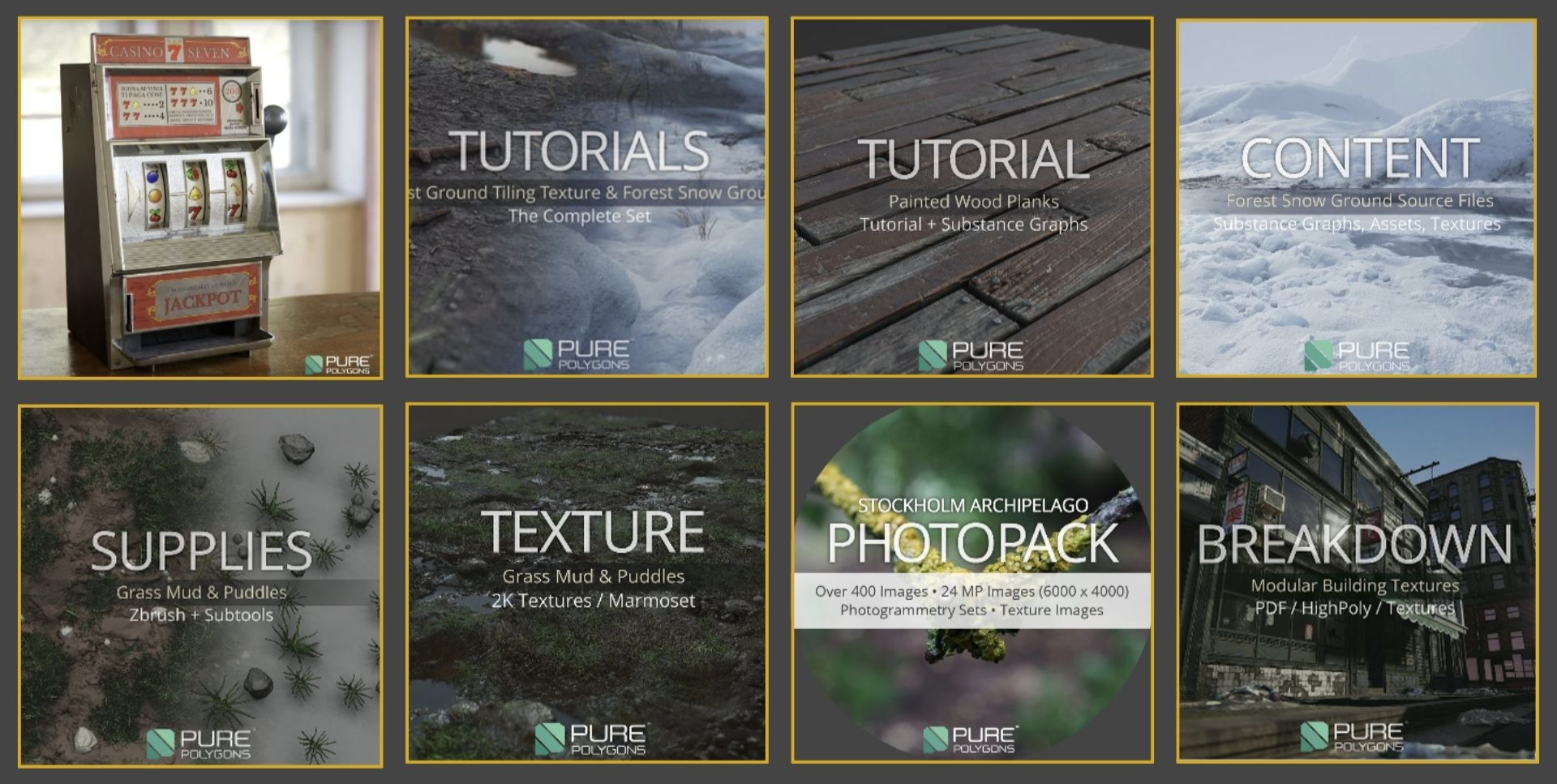
Sierra Division CEO and Creative Director, Jacob Norris, has made his entire Gumroad store completely free. You will find everything from assets, tutorials and photo packs. Lots of great products to use for learning and for commercial projects as well.
We hope you’ve enjoyed this curated list of assets and tutorials! If you use our content to create a project, we’d love to see your work. Share it with us on Discord, or tag us on ArtStation or social media for the opportunity to get featured!
For more awesome content, swing by our YouTube channel, and don’t forget to check out Sierra Division Academy to learn from the pros and get personalized guidance tailored just for you.