Creating Real-Time Props in CAD: Vintage Camera
Learn how to create a photorealistic, game-ready prop with Sierra Division.
Video
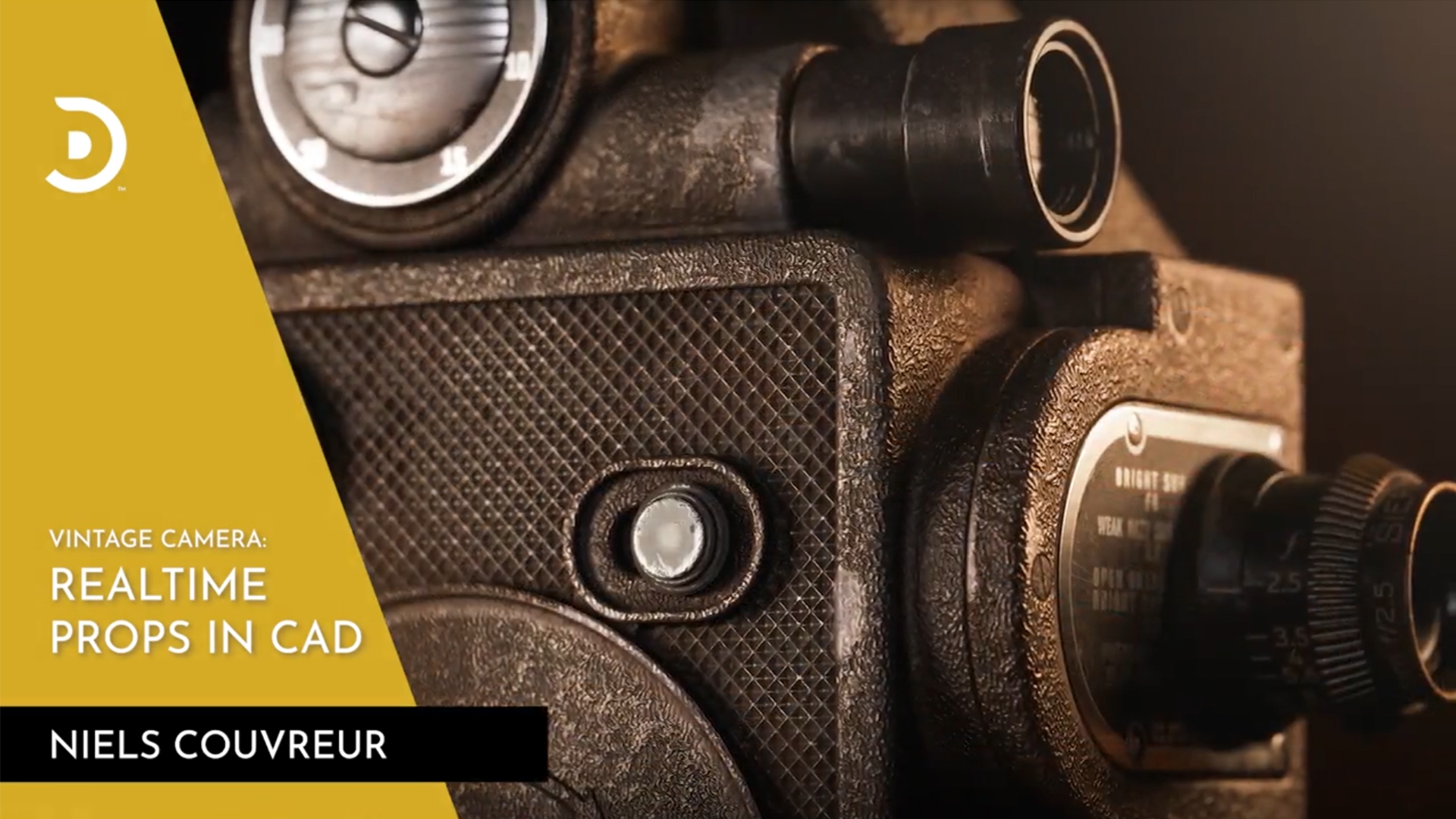
Join Sierra Division's Environment Artist Niels Couvreur, as he walks you through the full game-asset pipeline to create a brand-new portfolio piece – a real-time prop based on the vintage camera. You'll learn how to model, optimize, texture, and present a game-ready 3D asset using a CAD to polygon workflow in Fusion 360.
The Series is divided into four main chapters with sub-chapters for each, covering the full game-asset pipeline.
- Modeling: Discover modeling in CAD as you recreate the vintage camera in Fusion 360. This chapter will cover reference gathering, the blockout, and creating low-detail and high detail versions in our CAD software.
- Low Poly, Game-Ready Asset: Learn how to optimize your model for real-time rendering by creating a low-poly version that strikes the perfect balance between visual fidelity and performance. We'll also discuss the pros and cons of converting models with the best topology from CAD.
- Baking & Texturing: Bring your model to life by applying realistic textures and materials. Learn texturing techniques and workflows to achieve a visually stunning result.
- Presentation: Put the finishing touches on your real-time prop by setting up an appealing scene that showcases your work in the best possible light. Rendering workflows will be demonstrated in Marmoset, as well as NVIDIA Omniverse USD Composer for those looking for a free alternative.
By the end, you'll have gained invaluable skills in CAD modeling, game asset optimization, texturing, and presentation. Most importantly, you'll have a polished, real-time prop to add to your portfolio, demonstrating your skill and knowledge of the game asset pipeline.
Course Starter Content:
Download our Starter Content pack to to help you follow-along as you create your own Vintage Camera.
Featured Software
Below is the list of software used in the Series, as well as alternatives to choose from.
Fusion 360 (Alternative: Plasticity)
3dsMax (Alternatives: Blender, Maya or other modeling software)
ZBrush (Alternatives: Blender)
RizomUV (Alternatives: Blender / Zen UV)
RELEASE SCHEDULE
Courses in this Series will be released on our YouTube on a weekly basis. Follow-along at the same pace as other learners and connect with them by joining our community Discord server. On Discord, you will be able to ask questions and share your progress.
Part 1 - Modeling
June 27
Course Introduction
June 27
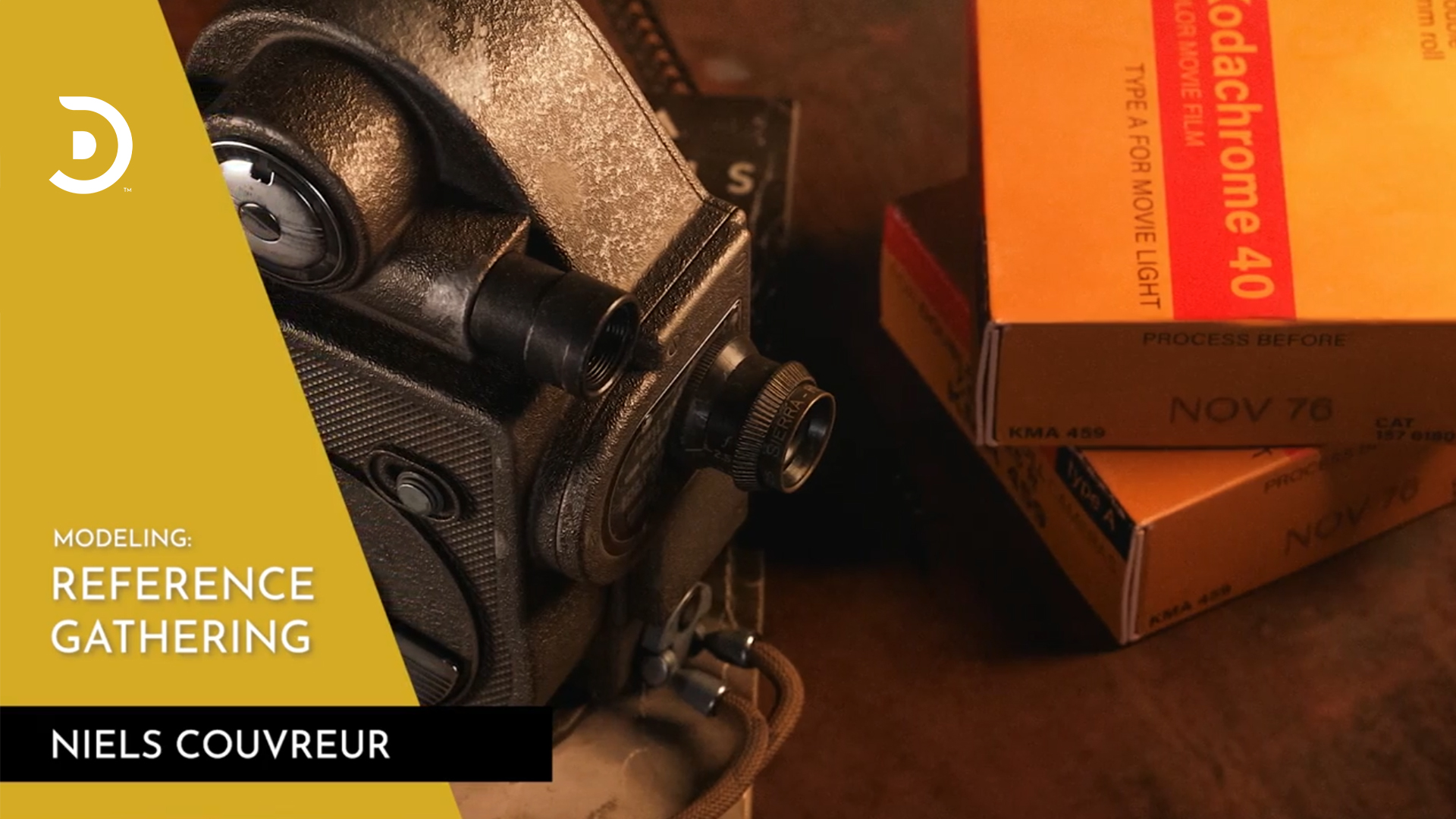
Reference Gathering
June 27
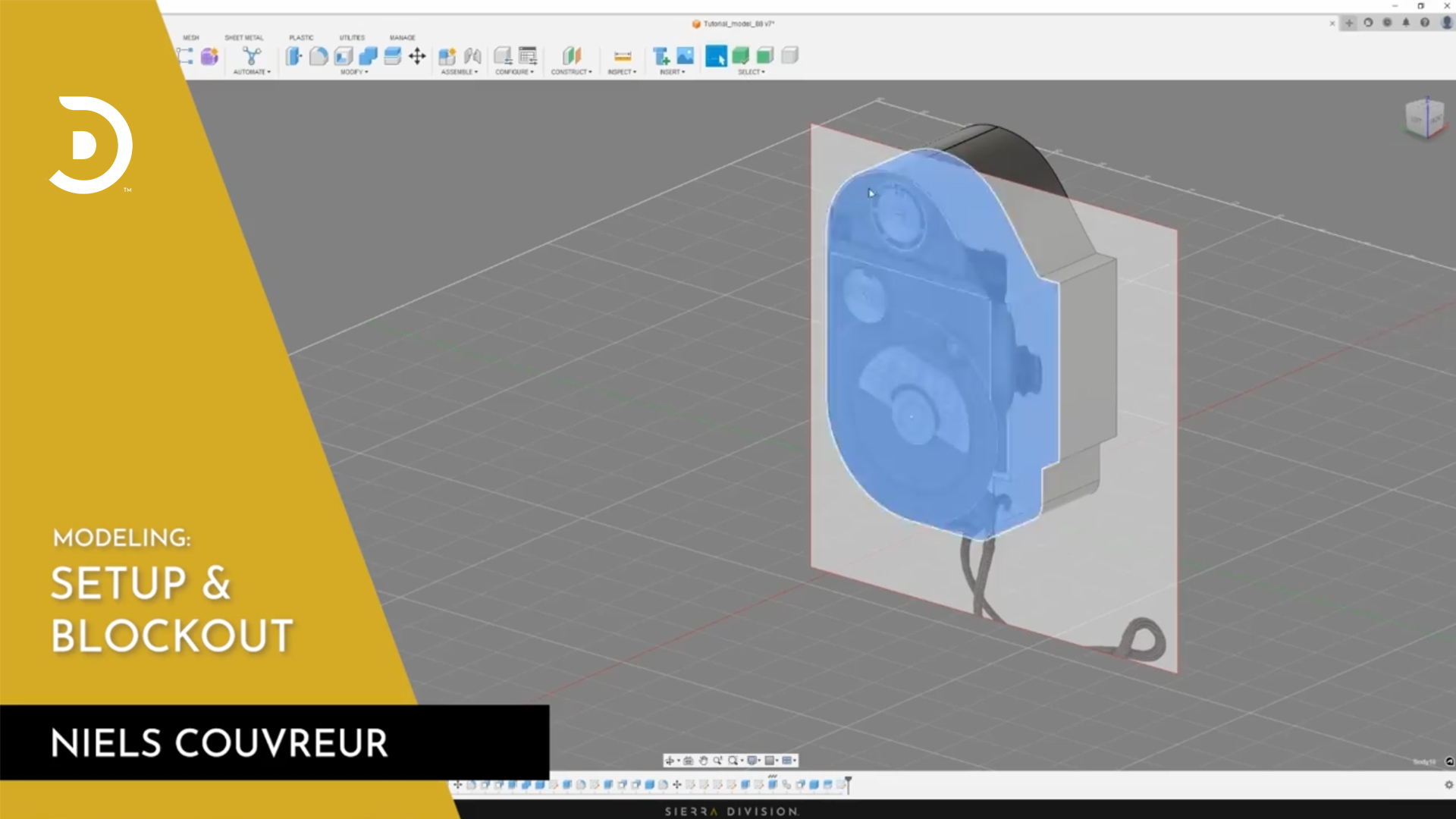
Setup & Blockout
July 1
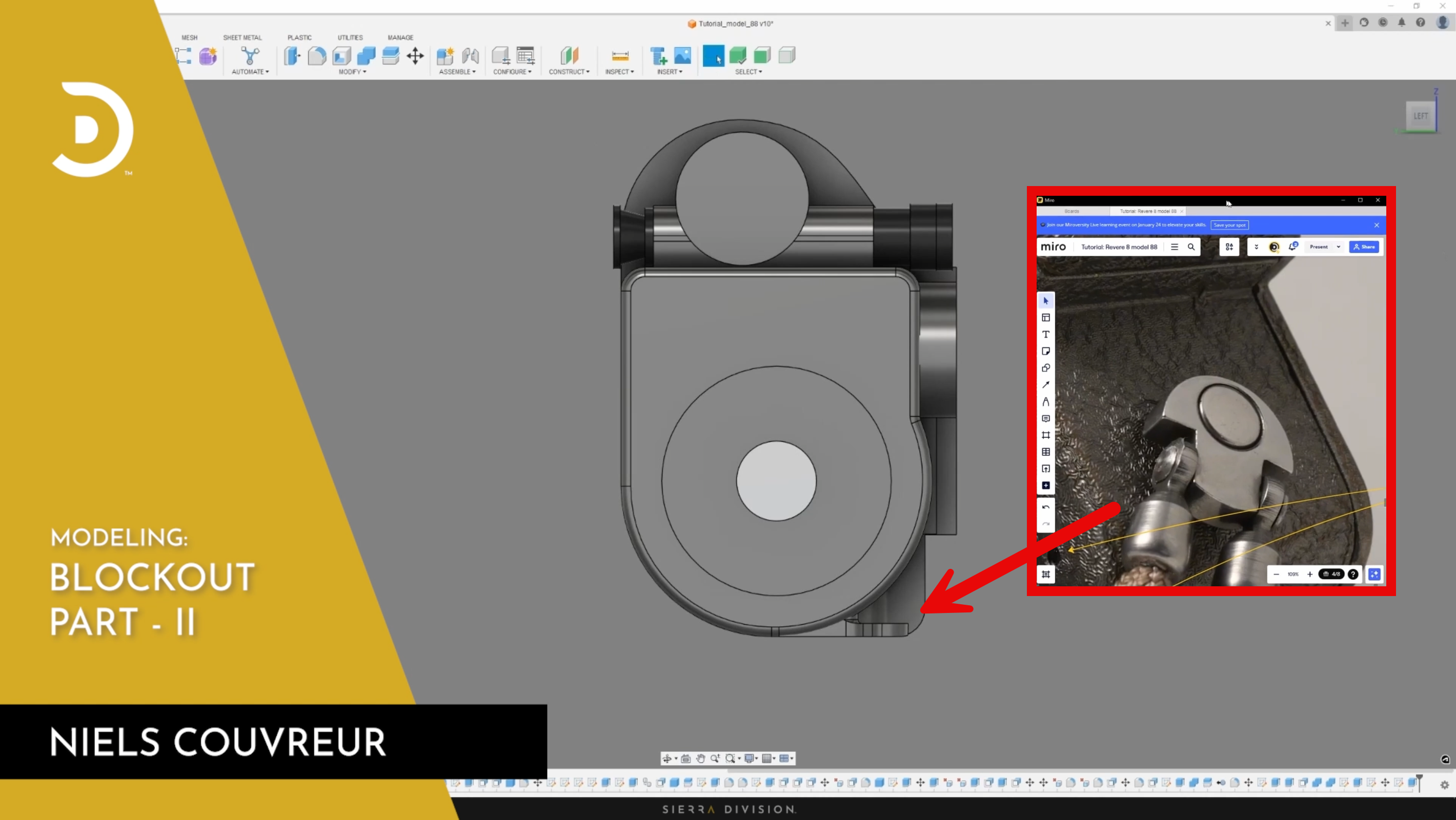
Blockout Part II
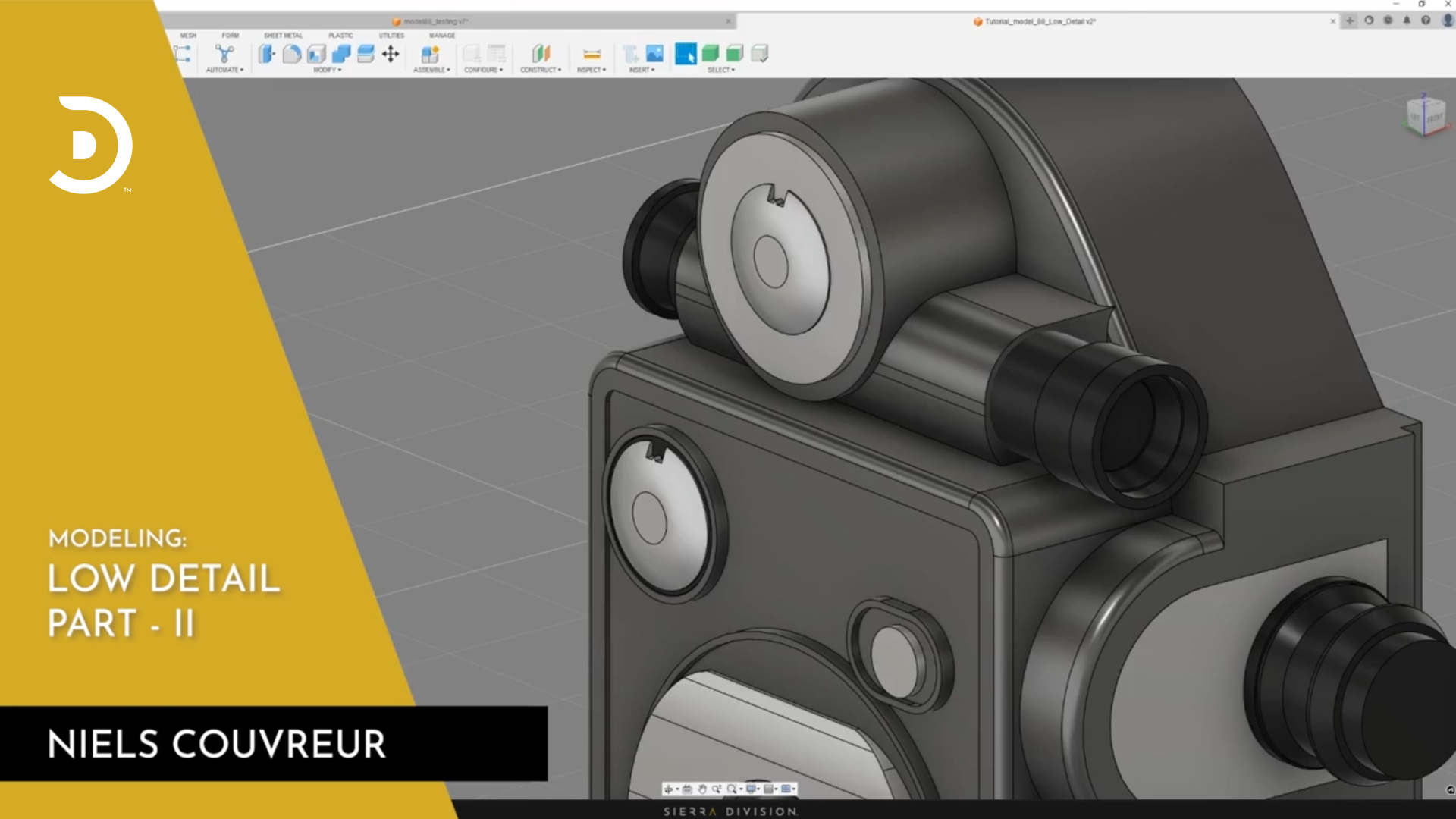
July 2
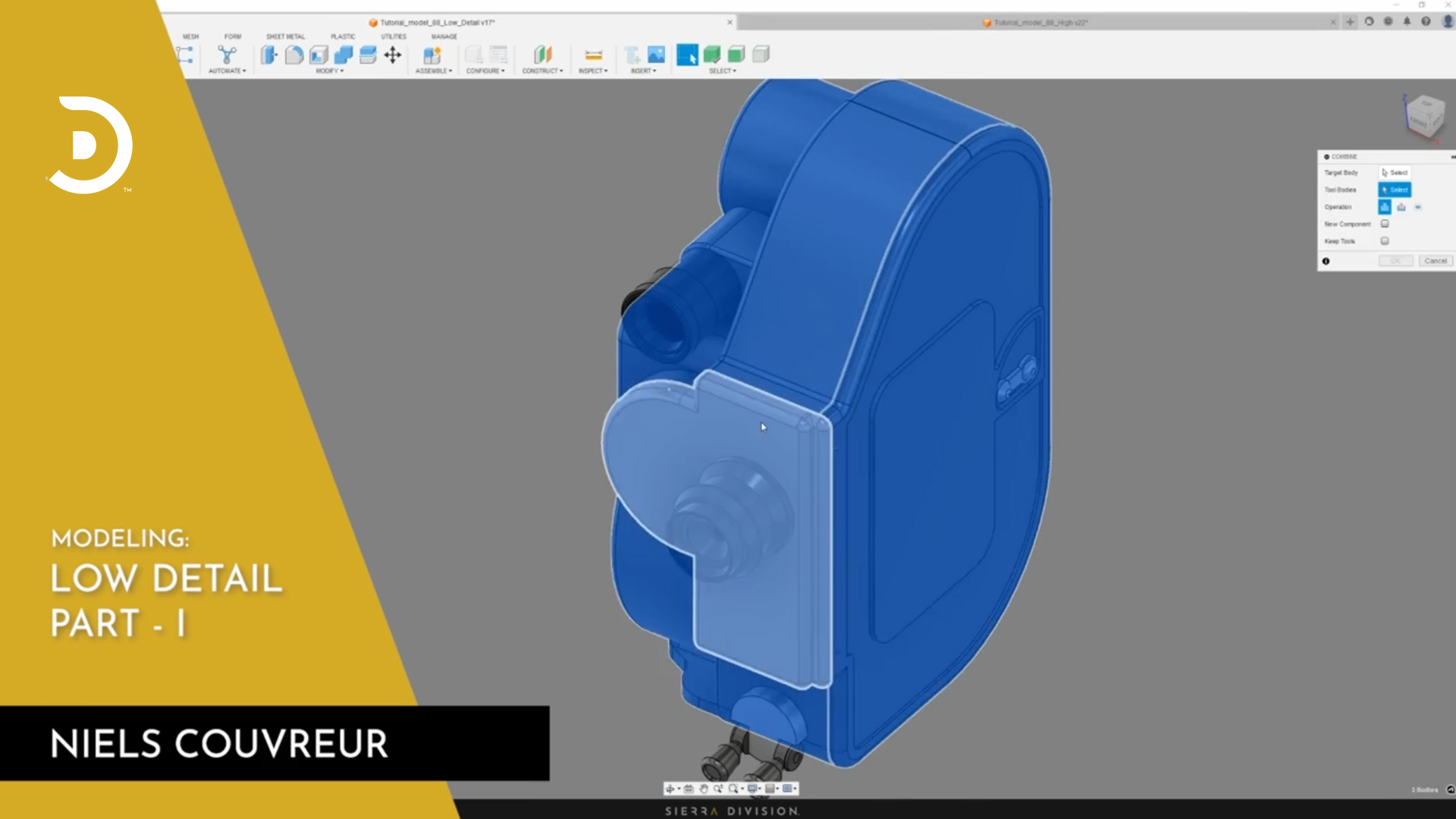
Low Detail Part II
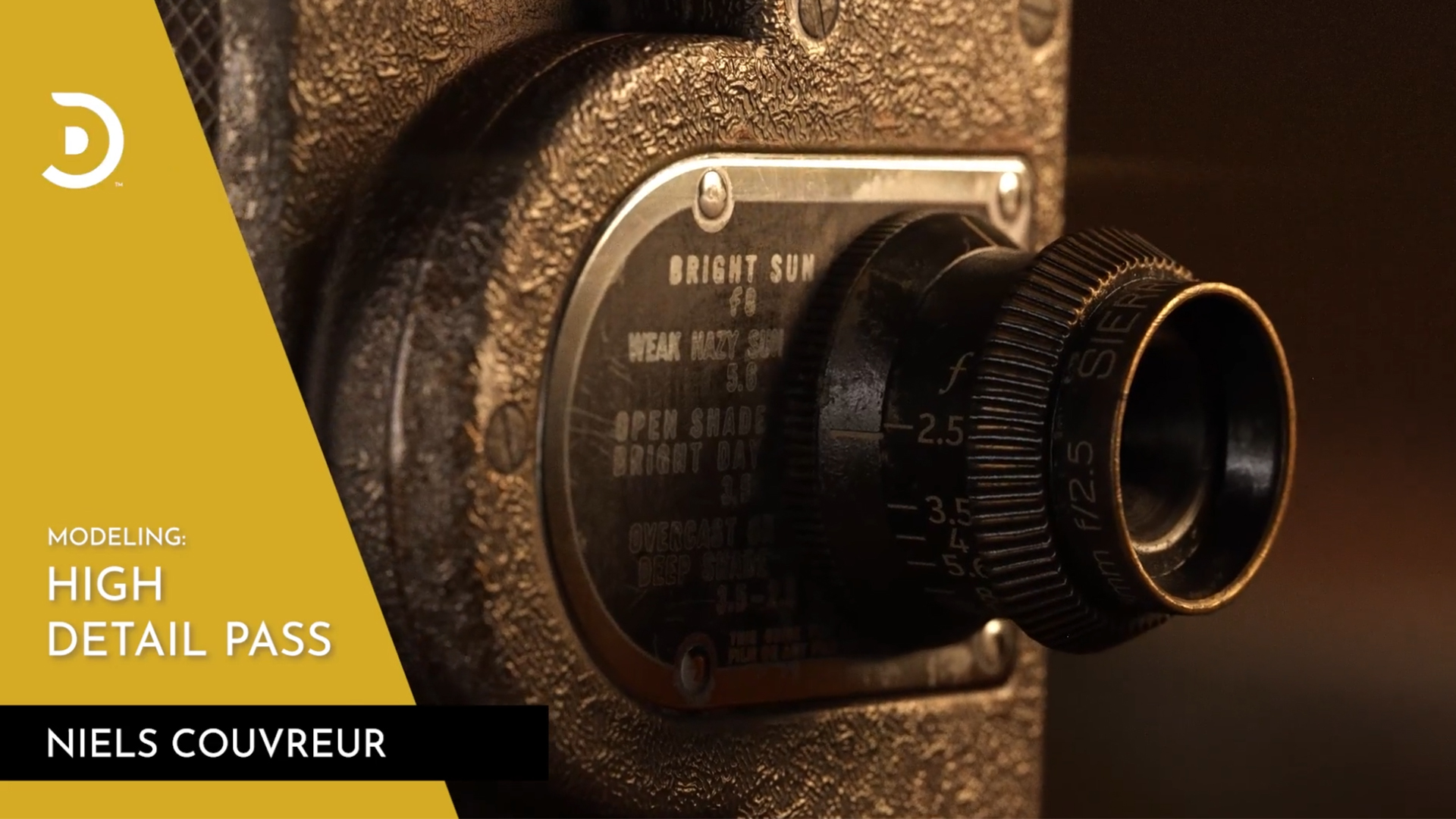
July 3
High Detail Pass
Part 2 - Low Poly, Game-Ready
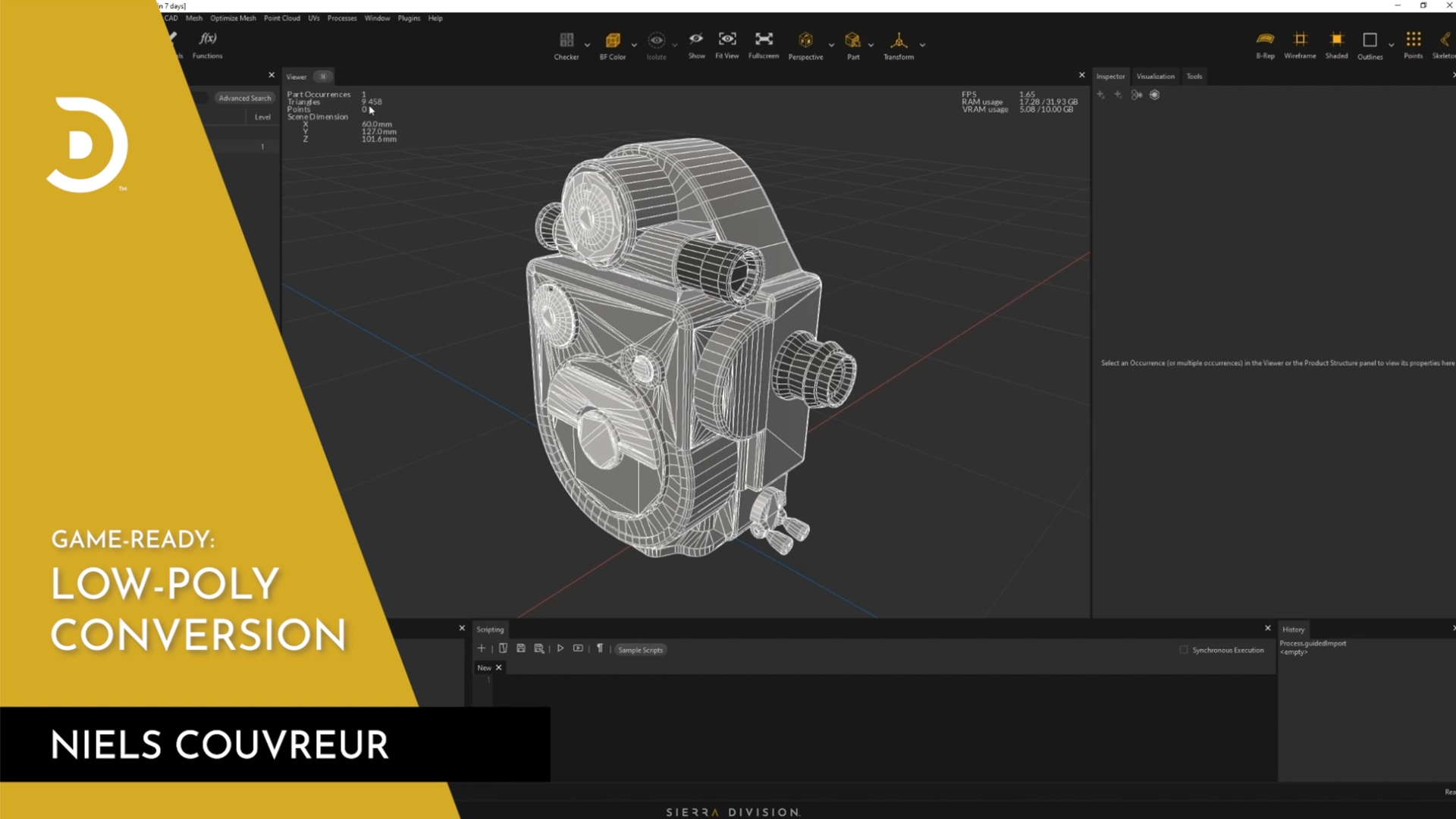
July 8
Low-Poly Conversion
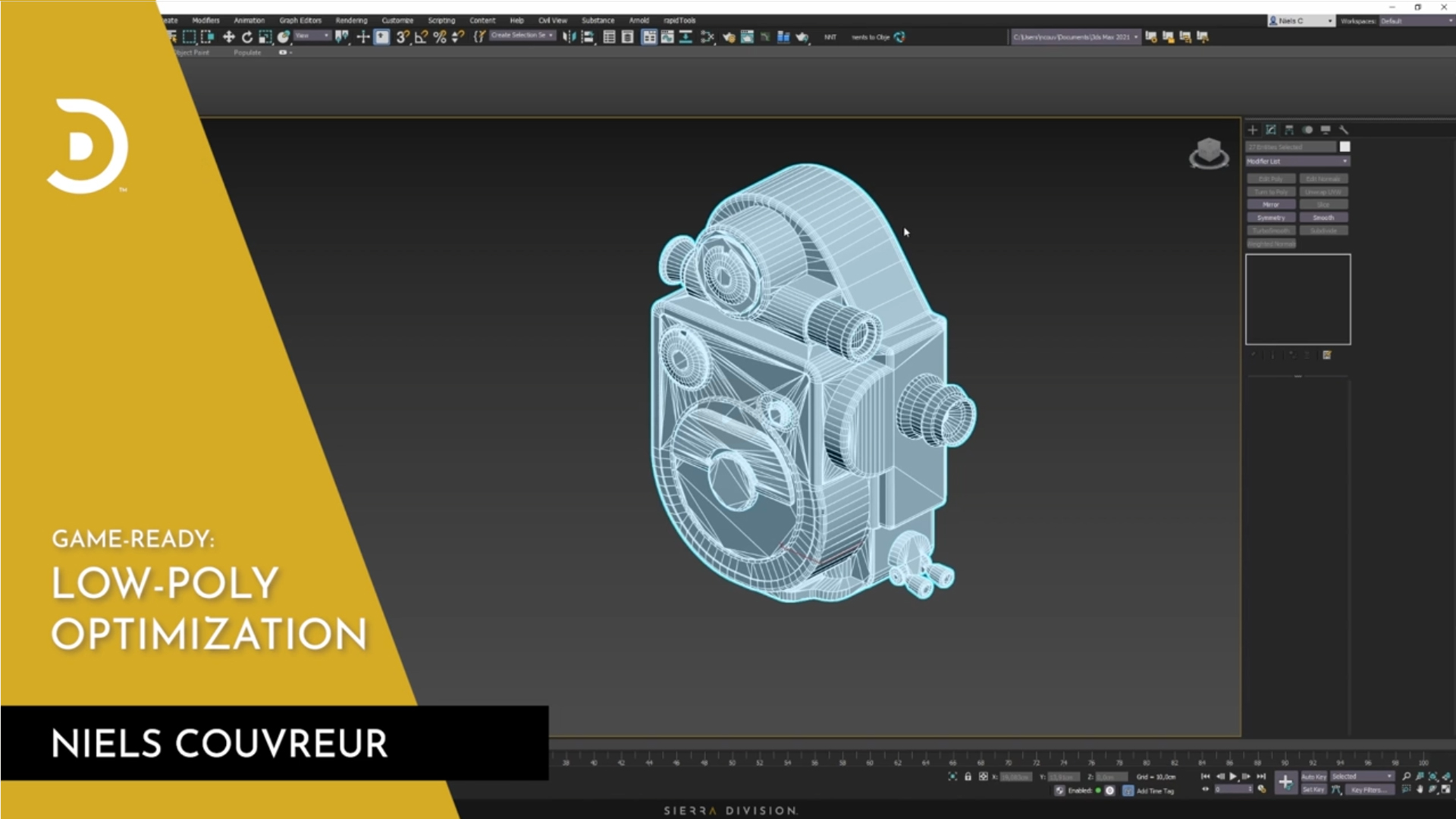
July 9
Low-Poly Optimization
Part 3 - Baking and Texturing
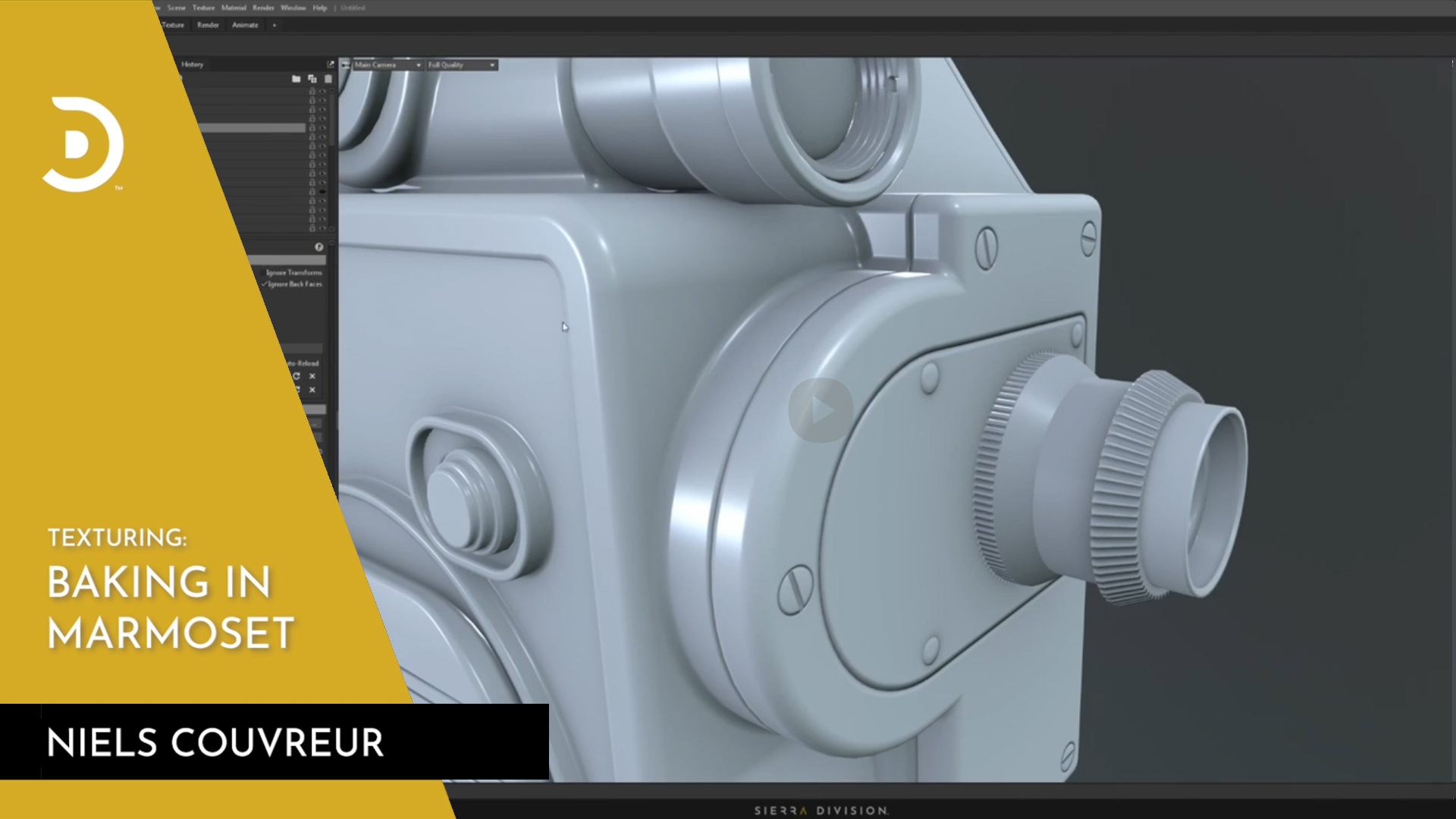
July 23
Baking in Marmoset
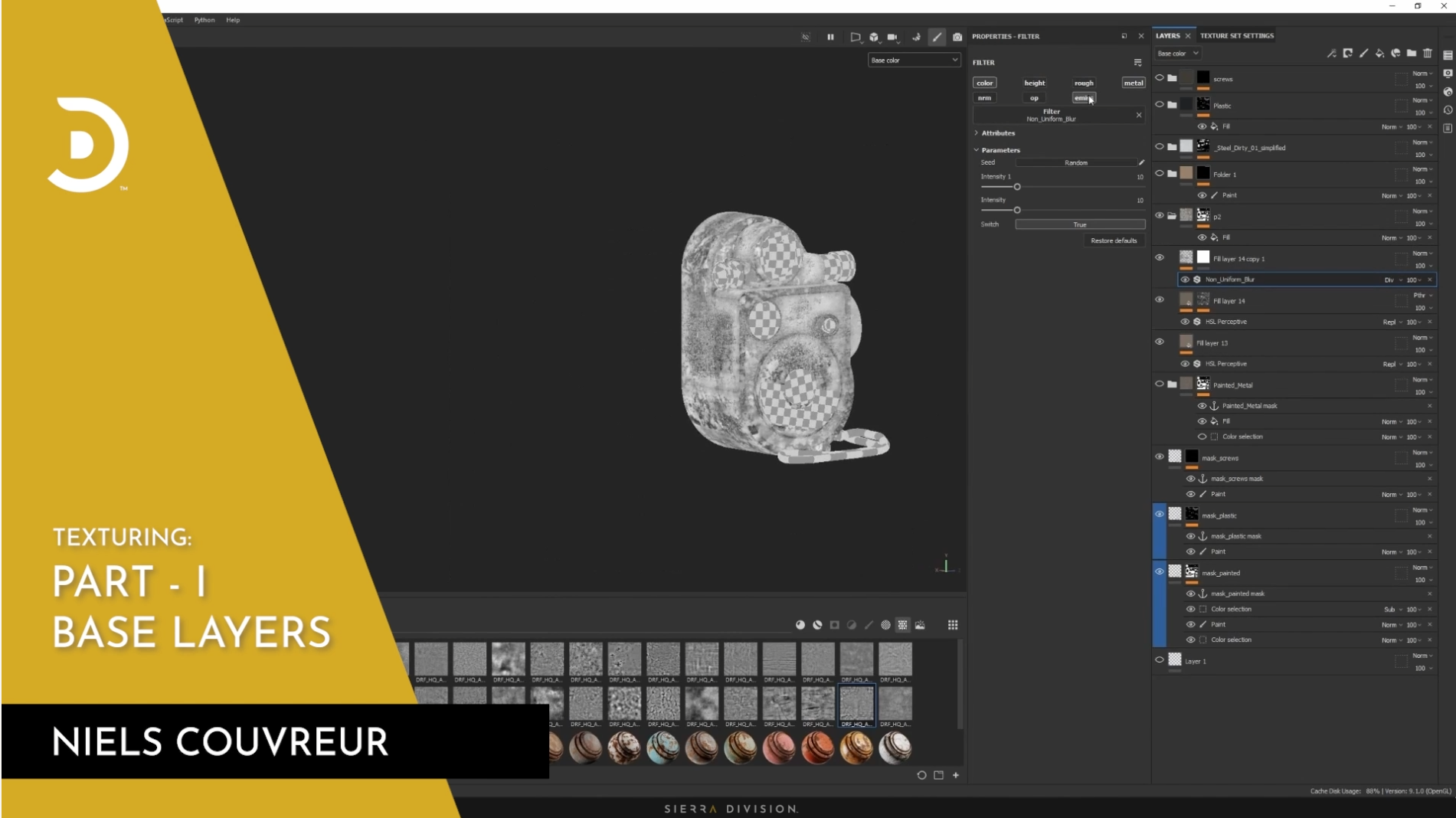
July 24
Part I - Base Layers
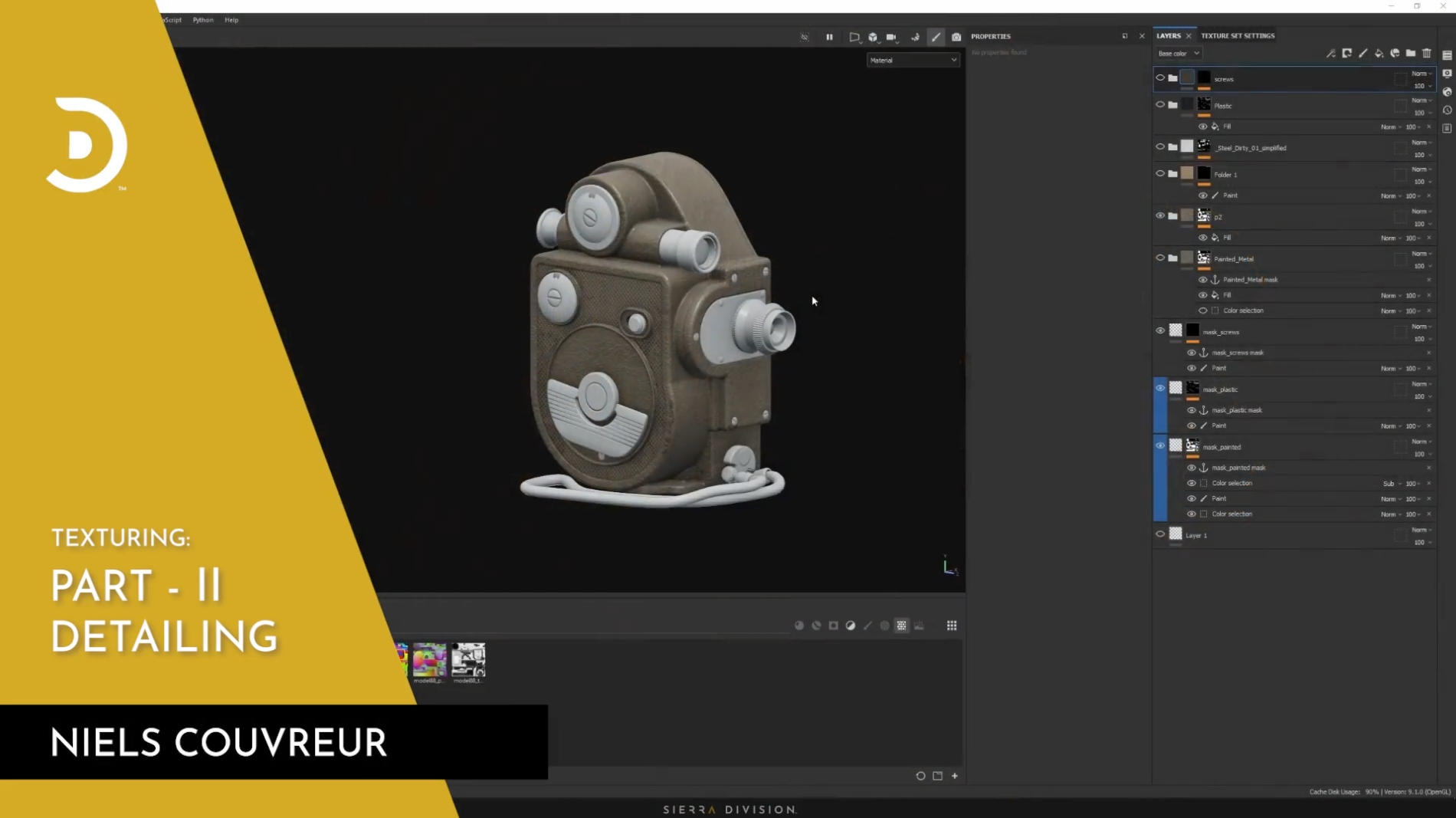
July 25
Part II - Detailing
Part 4: Rendering
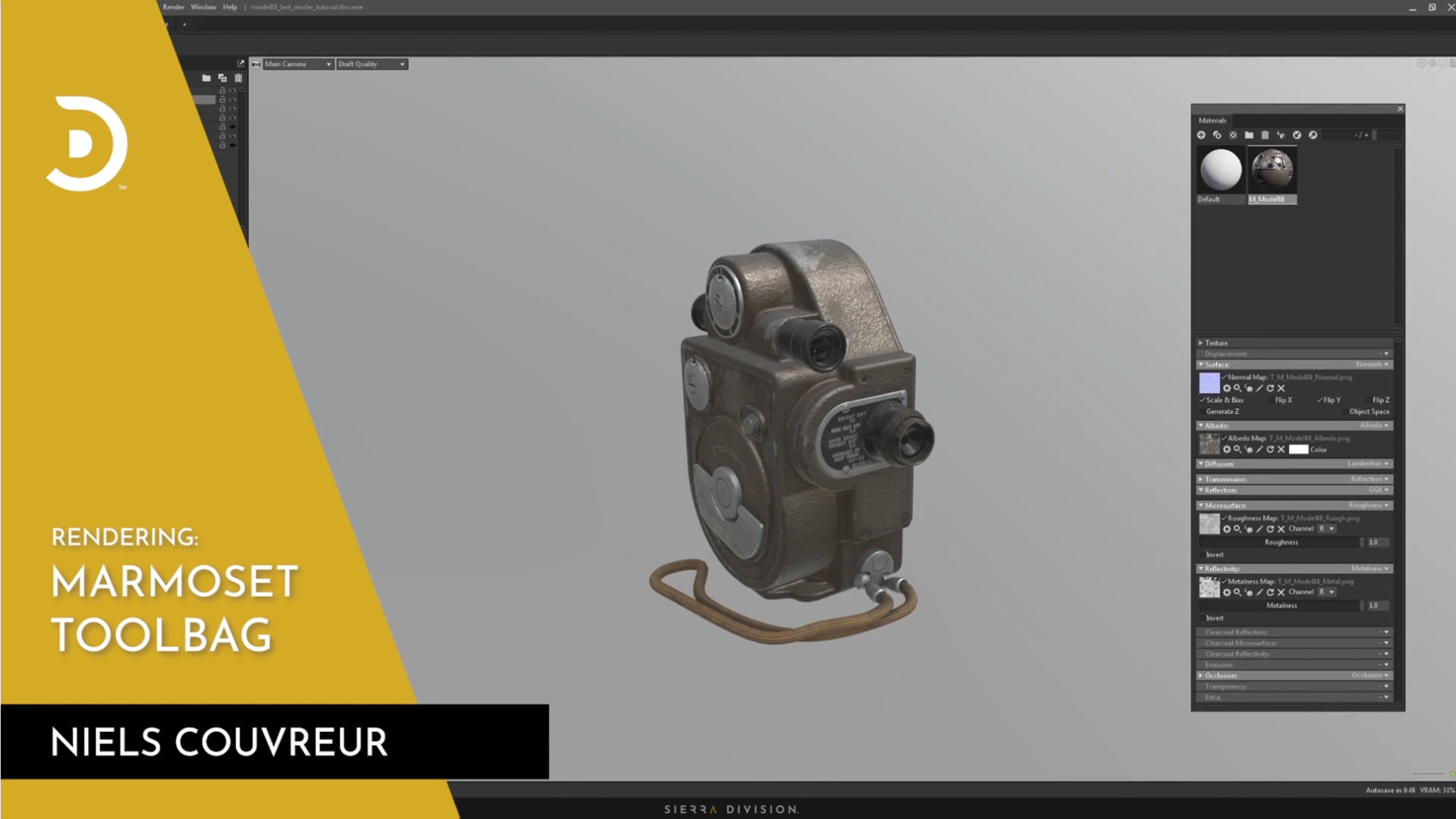
July 30
Marmoset Toolbag
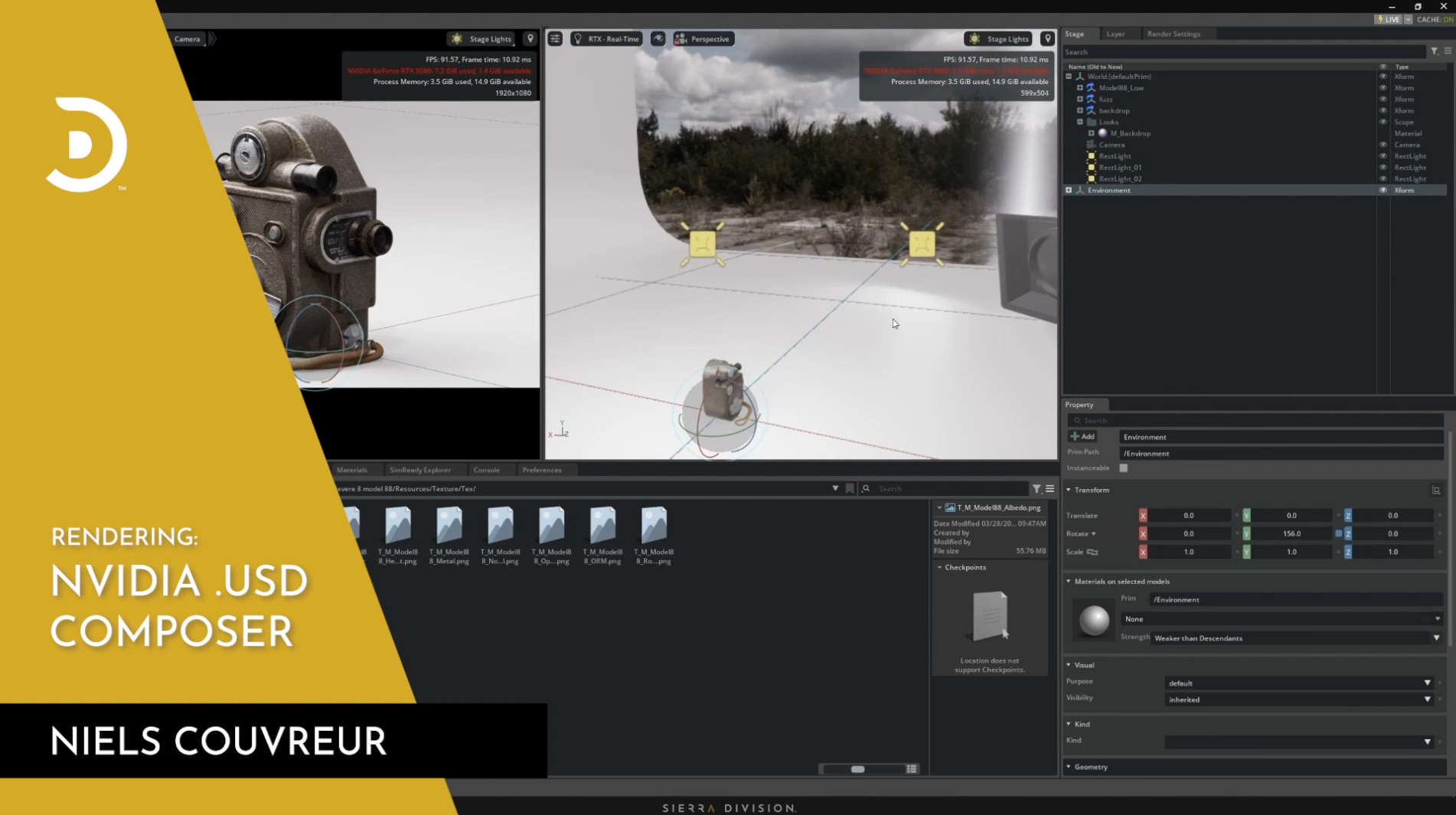
July 31 NVIDIA .USD Composer